Node Group Settings
The term 'node' in Cloudhouse Guardian (Guardian) is used to represent any scannable object in your environment. Node groups are used to organize nodes according to device type, operating system, applications, and any other combination of defining criteria. The following topic describes how to access and edit a node group's settings. For more information on node groups, see Node Groups.
To access an existing node group's settings, complete the following steps:
-
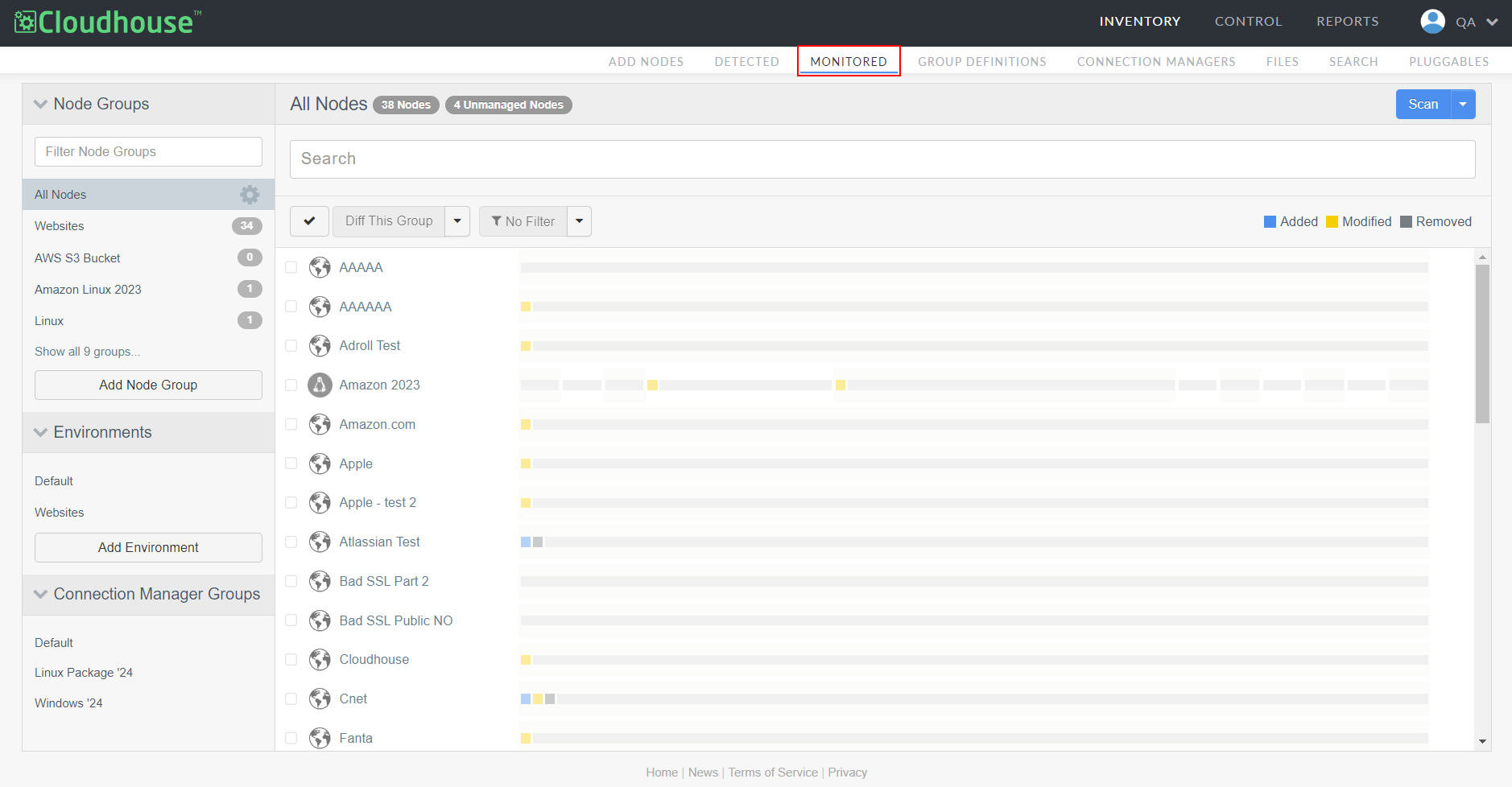
In the Guardian web application, navigate to the Monitored tab (Inventory > Monitored).
-
In the Node Groups drop-down menu, locate the node group you want to edit. Then, click the Settings button (
 ) to display the following list of options: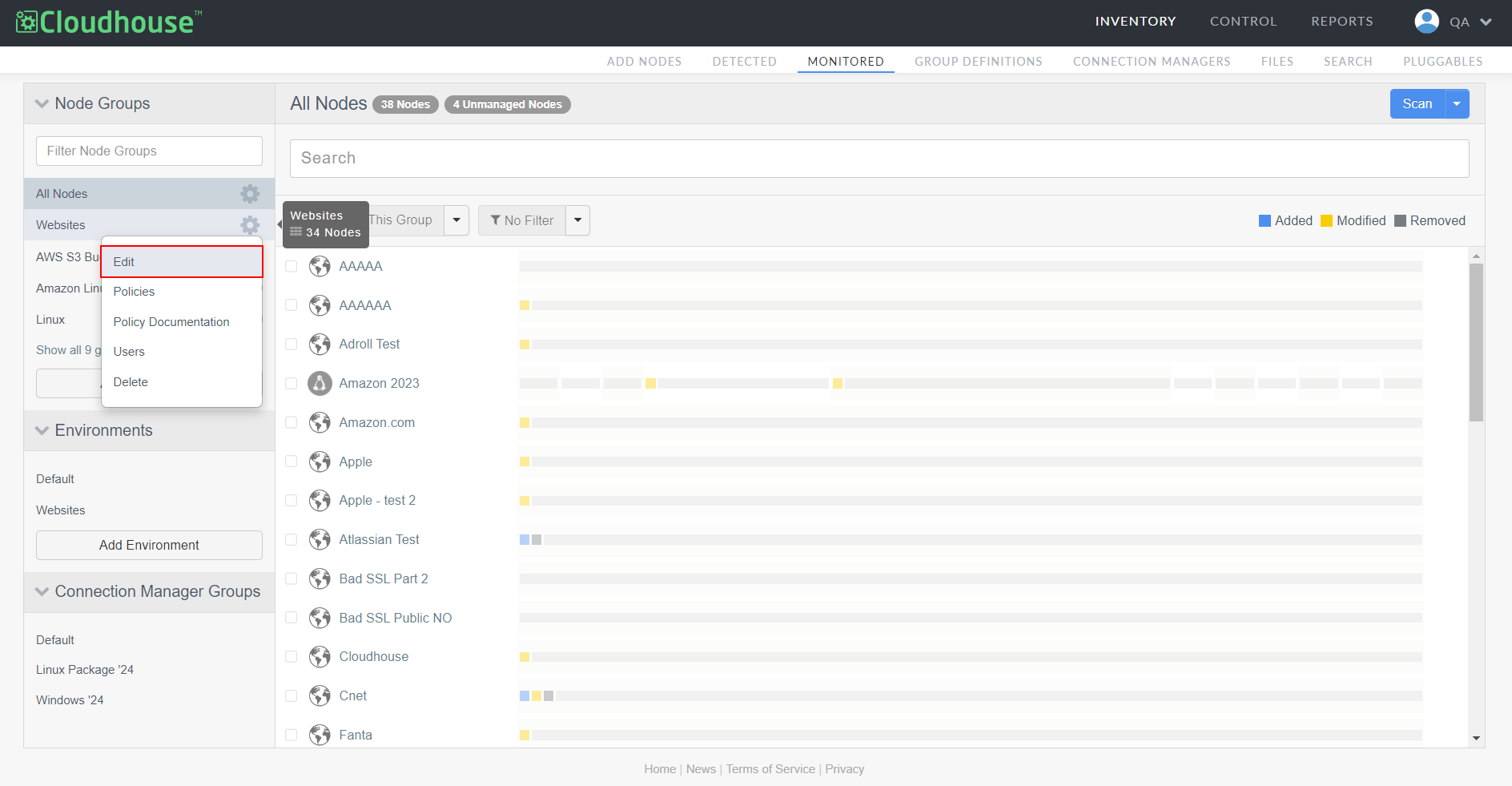
Option Description Edit Edit the node group's configuration settings. For more information, see Edit Node Group. Policies View, edit, or delete the node group's assigned policies. For more information, see Node Group Policies. Policy Documentation Download a PDF containing the definition of each policy that is currently applied against the node group. Users View, edit, or delete the 'member' users with access to the node group's configuration data. For more information, see Node Group Users. Note: Users with the 'member' role only have access to node groups they are assigned to. Here, you can assign a member to the node group to grant them access to the configuration data. For more information on user roles, see Users. Delete Permanently delete the node group. -
Select an option from the Settings drop-down list. The respective settings page is displayed.