Sign In To Your Account via LDAP Server Authentication
There are multiple ways to sign in to your Cloudhouse Guardian (Guardian) account. By default, Guardian uses a local authentication mechanism to grant access to users that is based on an email address and password combination. However, with Lightweight Directory Access Protocol (LDAP) server authentication, you sign in to your account using your LDAP account credentials. This is a username and password combination. To authenticate your account, Guardian connects to the LDAP directory server and runs a check against your account credentials. For more information on how to enable LDAP server authentication, see Enable LDAP Server Authentication.
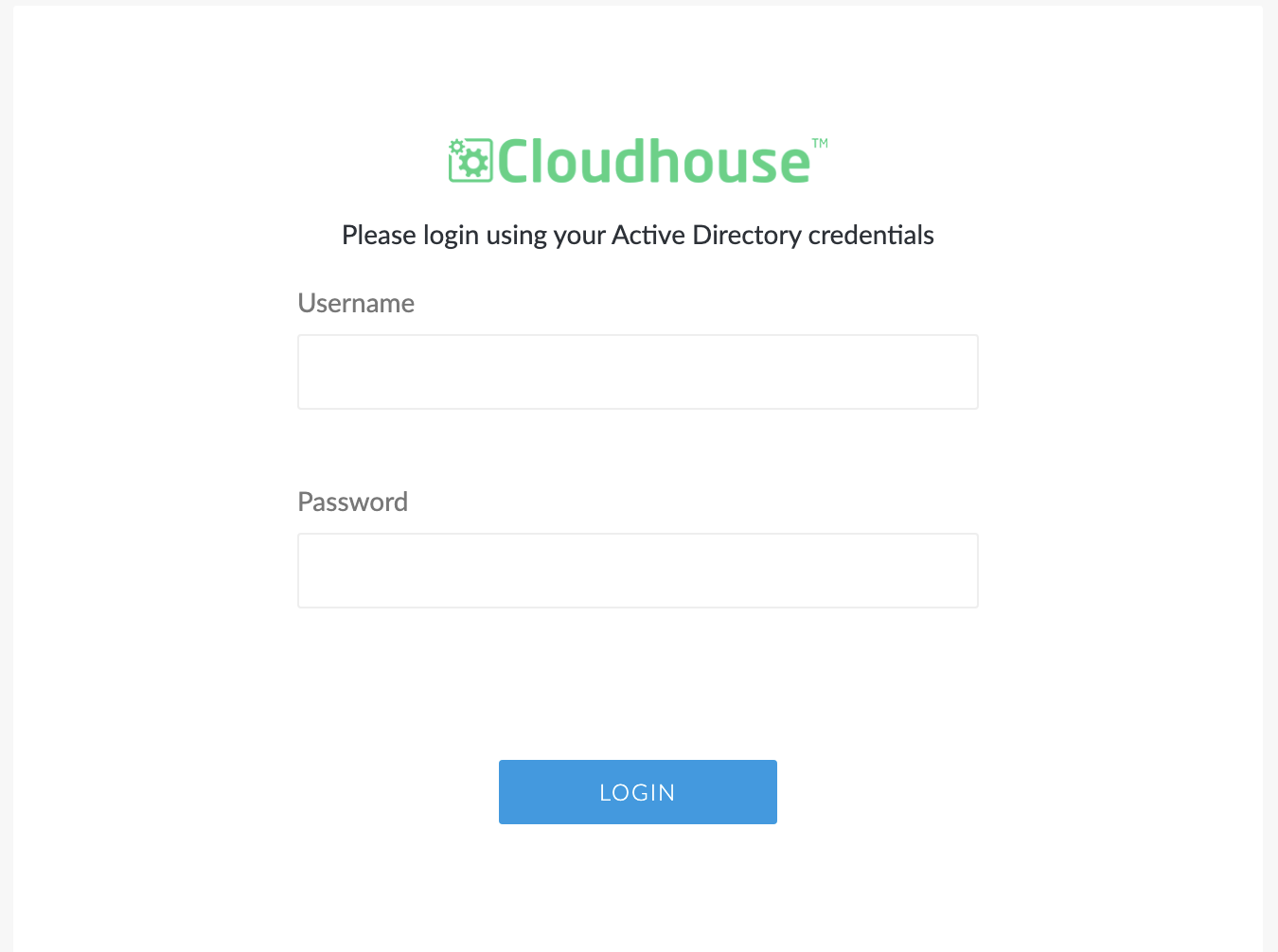
Sign In
Depending on whether you are using a hosted or on-premise instance of Guardian, the Guardian Sign in page can be accessed via your browser or within a secure area set up by your company. For more information about hosted and on-premise deployments of Guardian, see Hosted Deployment and On-Premise Deployment.
The following fields are displayed in the Sign in page:
| Field | Description |
|---|---|
| Username | - The email address associated with the account. |
| Password | The password associated with the account. |
Once you have entered your account information, click to Sign In. If your account details are correct, the Guardian Home page is displayed.
Note: If you have any trouble locating your instance of Guardian or accessing your account, we recommend contacting your company's Guardian Administrator for more information. Alternatively, you can contact Cloudhouse for additional support.
Authentication Methods
Aside from the default authentication mechanism, there are several ways you can authenticate your organization's accounts, including: