Control
The Control menu in Cloudhouse Guardian (Guardian) is the location for configuring the benchmarks and policies of node groups, scheduling job runs, tracking and filtering events, setting integrations, and configuring variables. The functionality is divided between seven tabs, by default. However, you can configure additional tabs to appear within the Control menu by speaking to your Cloudhouse Representative. The following topic describes the seven default tabs that are displayed in the Control menu.
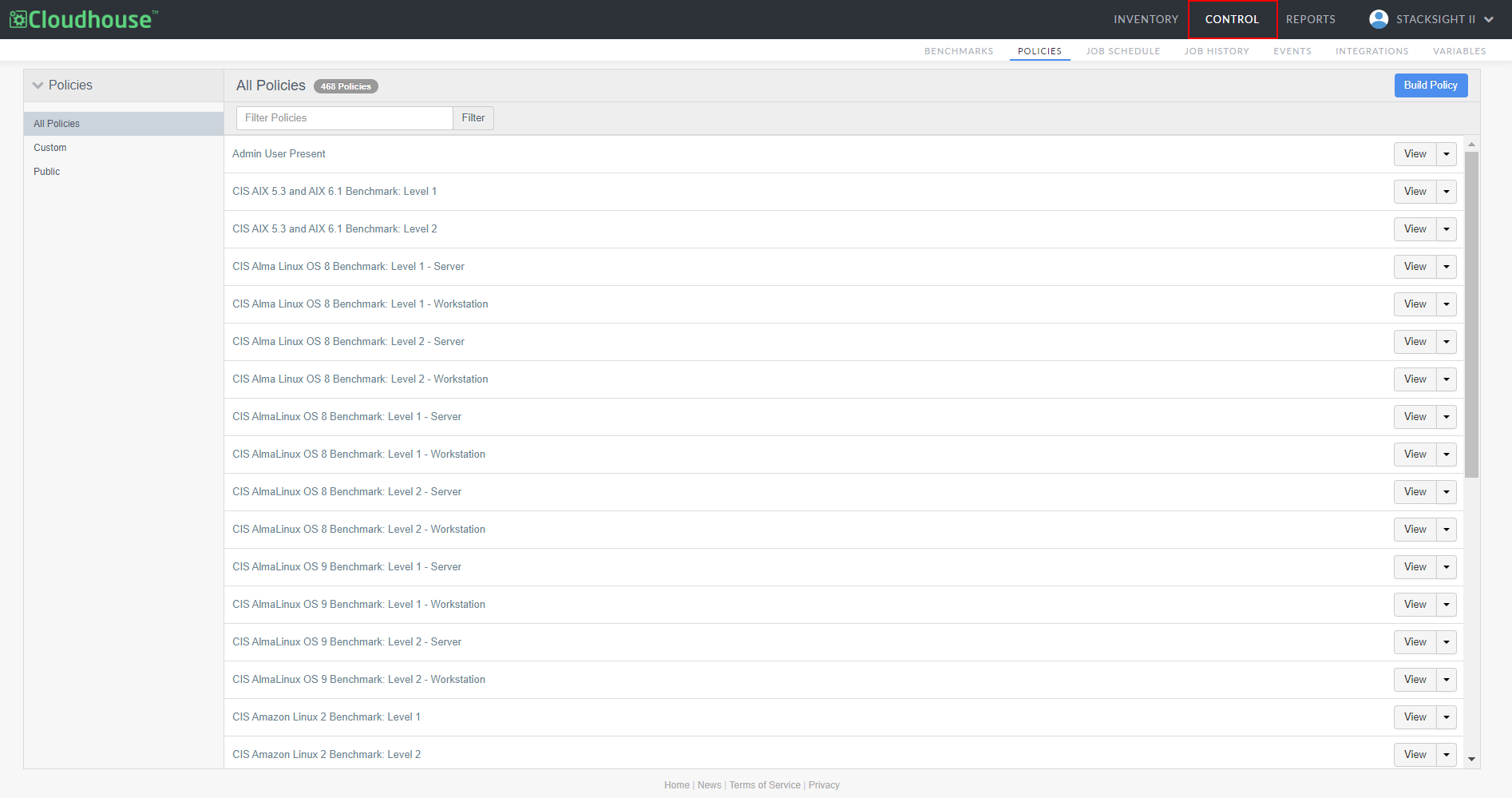
The following tabs are displayed within the Control menu:
| Tab | Description |
|---|---|
| Benchmarks | Location for viewing and building benchmark policies to apply to node groups. For more information, see Benchmarks. |
| Policies | Location for organizing and configuring policies and policy checks. For more information, see Policies. |
| Job Schedule | Location for scheduling automated job runs. For more information, see Job Schedule. |
| Job History | Location for storing and accessing job run history, with detailed information about each job. For more information, see Job History. |
| Events | Displays all the events that have been performed on or within your Guardian application. For more information, see Events. |
| Integrations | Location for configuring, deleting, and adding integrations. For more information, see Integrations. |
| Variables | Location for setting environment variable overrides. For more information, see Variables. |